
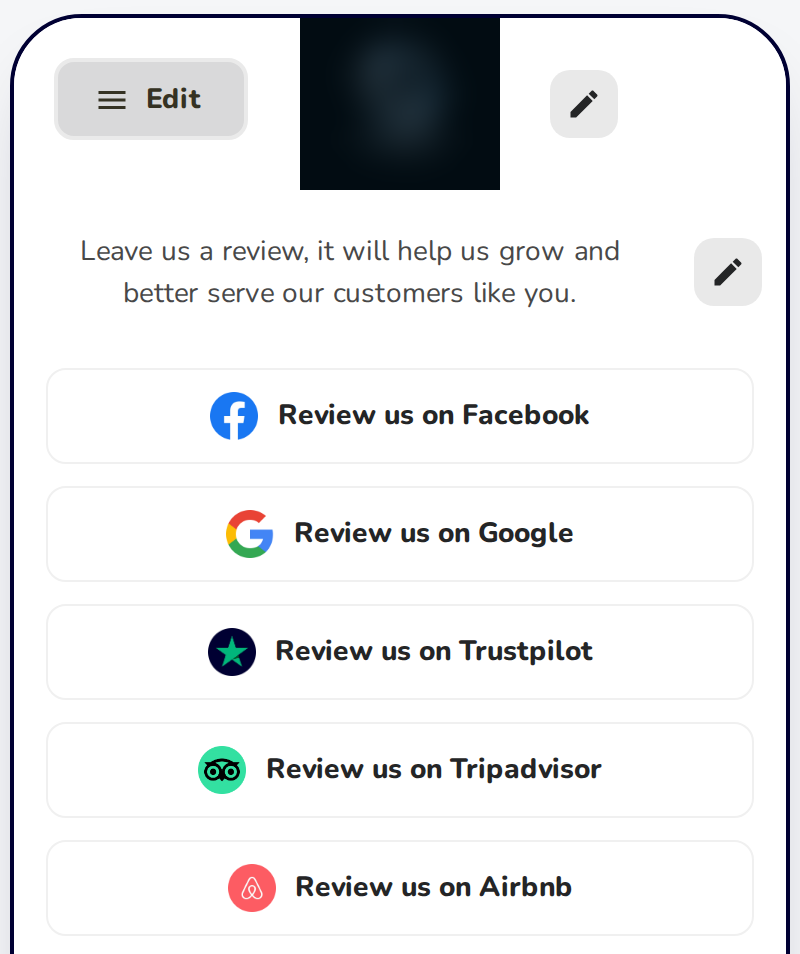
Review Gating is now called Ask for a rating first (star filter). With it off, your review page opens straight on the review sites, with no star rating first. Some businesses prefer this so every customer sees the same page.
How to Turn It Off
Sign in to your HiFiveStar account. Navigate to Review Link.
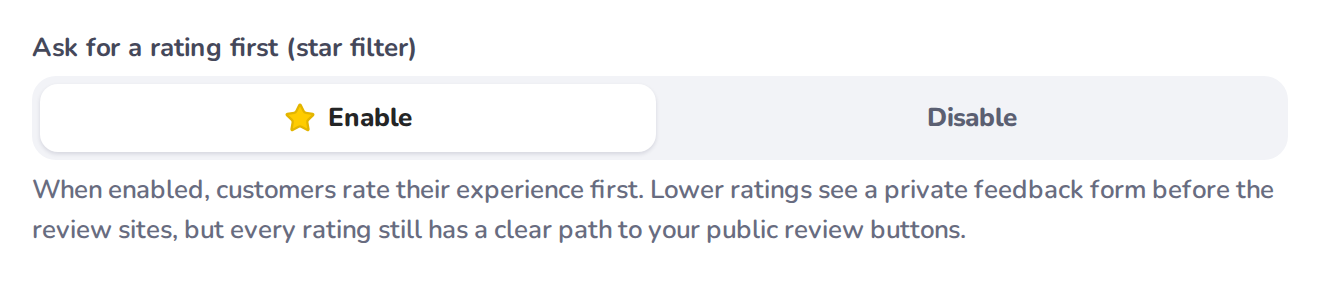
Under Ask for a rating first (star filter), click Disable. In the classic look, click the ‘Ask for a Rating First (Star Filter)’ dropdown and select ‘Disable’.
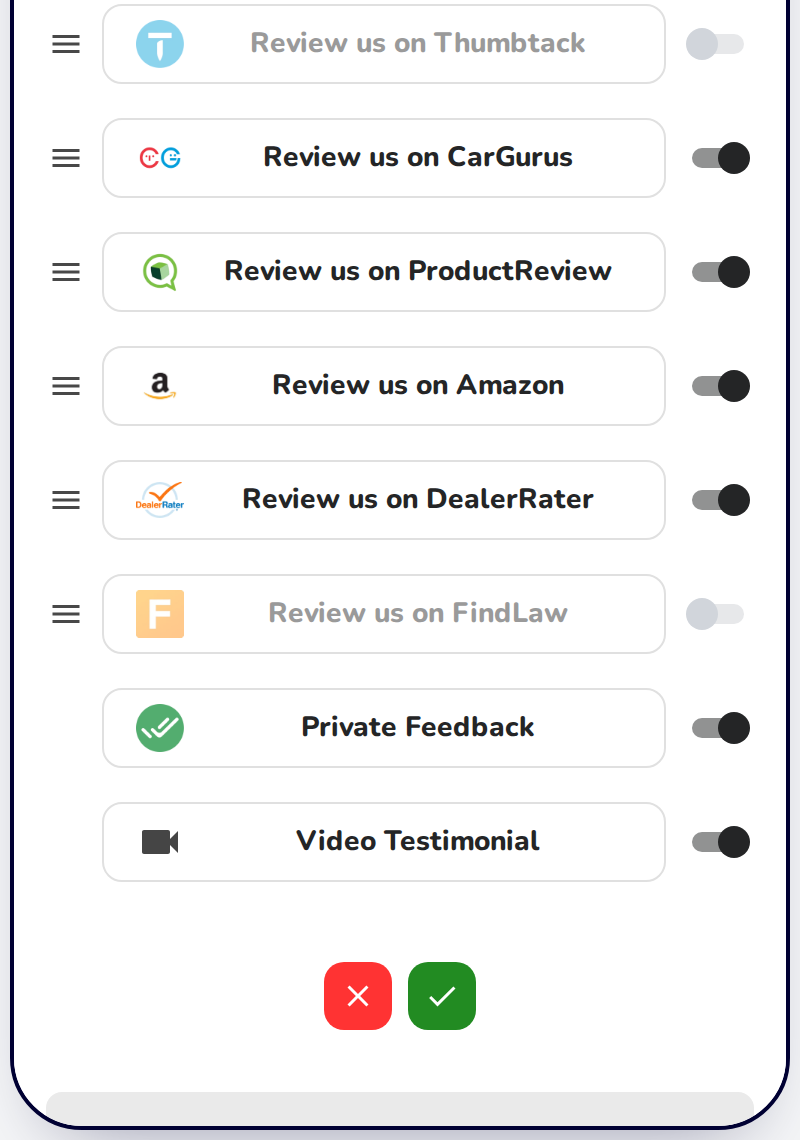
[Optional] Want all reviews to be public? Turn off the Private Feedback button too: in the preview of your review page, open step 2, Positive Experience (from the Edit menu at the top of the preview, if another step is showing), click the pen under the review-site buttons, switch off Private Feedback, and click the green checkmark to save.
Note: Nothing is hidden either way. With Ask for a rating first on, a low rating opens a private feedback form that offers a public review when the page has at least one review site.
Related Articles ℹ
Ask for a Rating First: Private Feedback for Low Ratings
Effectively Handle Low-Star Reviews with the Review Link Menu