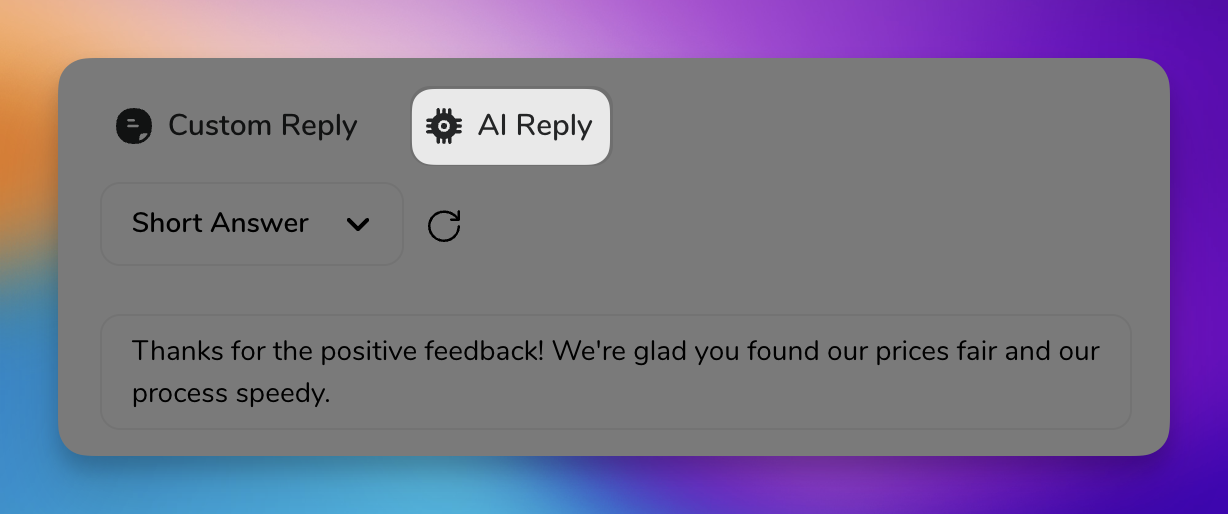
Responding to customer reviews is vital for any business. HiFiveStar’s "AI Reply" writes a draft reply for you to read, edit and send.
This video shows our previous app. The written steps on this page describe the current one.
Login to HiFiveStar and visit the 'Reviews' page.
Click "Write it for me" on a review, and the reply window opens with a draft; for a site HiFiveStar cannot post replies to, you copy the draft and paste it on that site. In the classic look, click "Reply" on a Google or Facebook review, or "Reply Privately" on private feedback, then select "AI Reply"; reviews from other sites open on their own site instead.
Edit the draft if you like. On private feedback, click "Send" to email it to your customer. On a Google review from a location connected through "Login Access" (Settings > Integrations > Google), click "Send" to post it on Google. Otherwise, click "Copy reply", then "Open on Google" and paste it there. On a Facebook review, "Send" saves the reply; it is posted once Facebook can be connected, which is waiting on Meta's approval of HiFiveStar's app.
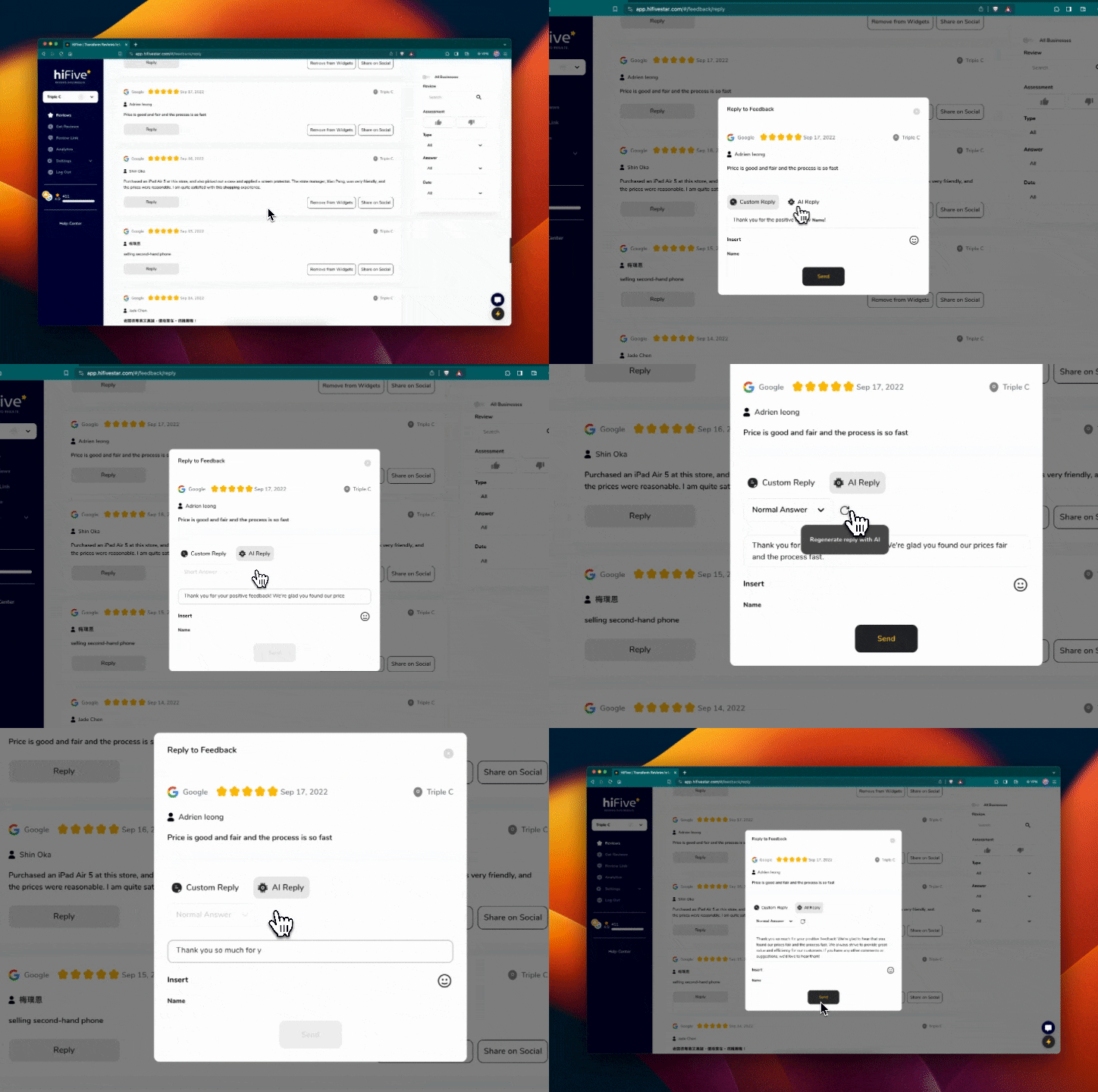
Option to regenerate a different response and make edits.
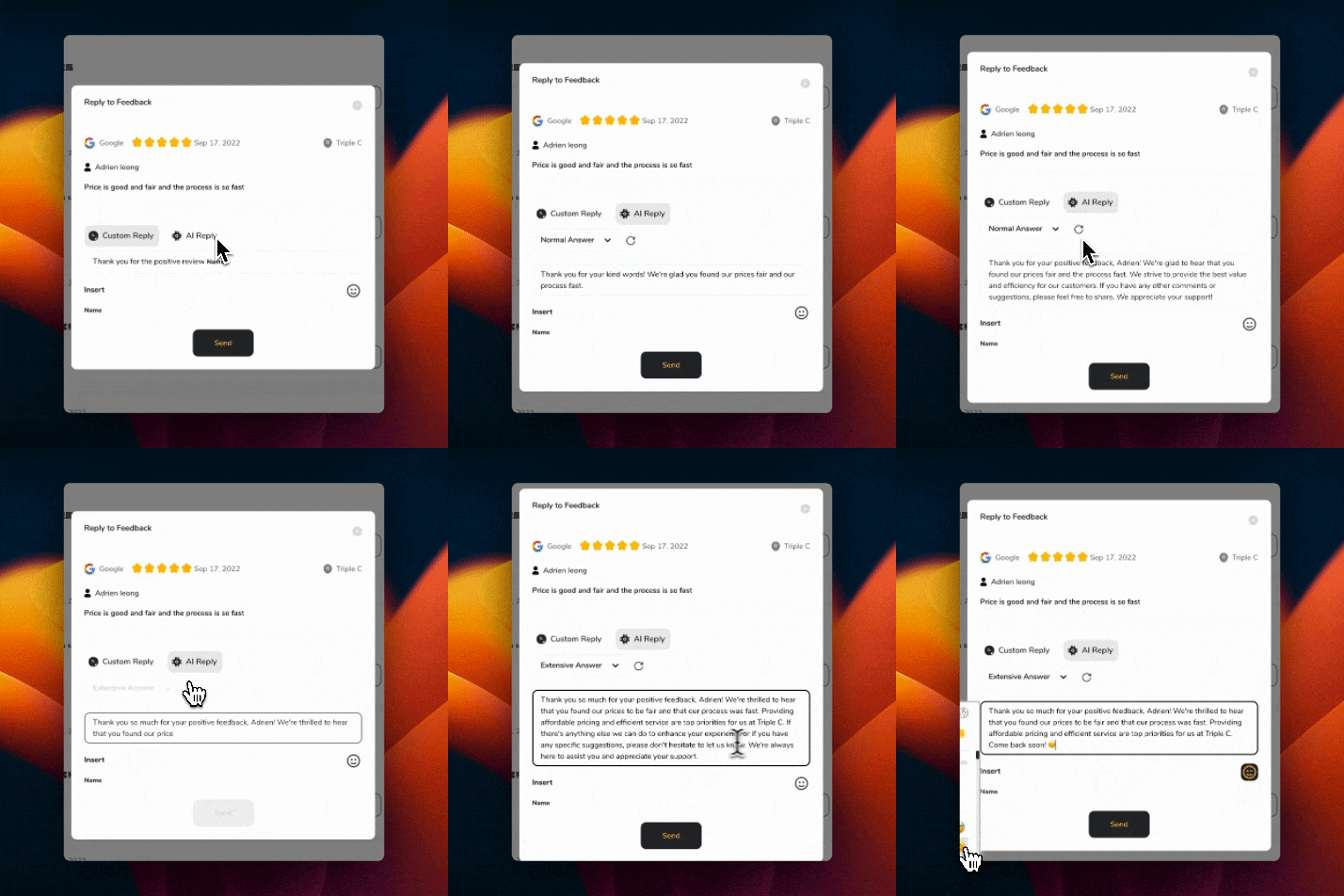
Saves Time: Quickly generates responses, freeing up time for other tasks.
Ensures Consistency: Maintains a professional, consistent tone in all replies.
Highly Adaptable: Tailor responses to fit different reviews and situations.
AI Reply is a testament to HiFiveStar’s commitment to innovative and user-friendly solutions, simplifying review management and enhancing customer engagement.
AI Reply (Core and up) writes a draft reply to a review in HiFiveStar. You read it, edit it if you like, and send it yourself.
Yes. Click "AI Reply" in the reply window for a new draft, and edit the words before you use them.
Yes, before sending, you have the option to review and edit the AI-generated response to ensure it meets your satisfaction.
Absolutely. AI Reply significantly reduces the time spent on crafting individual responses, allowing you to manage reviews more efficiently.
Yes, AI Reply is equipped with multilingual capabilities. It detects the language of the review and responds in the same language, whether it's Spanish, English, or any other language, making it akin to having a multilingual employee.
The AI intelligently recognizes the language used in the customer review and automatically crafts a response in that same language, ensuring clear and culturally appropriate communication.
How to Control Which Review Options Appear on Your Review Link
Learn how to easily customize which review sites to appear to your customers on your HiFiveStar review link