A Custom Integration adds a link to any website or review platform that is not in the Integrations list. It is used only on your review page, where it gives customers another place to leave a review. HiFiveStar does not import reviews from it.
This video shows our previous app. The written steps on this page describe the current one.
Follow these steps to add a custom link.
Log in to the HiFiveStar account.
Select 'Settings' and then 'Integrations'.
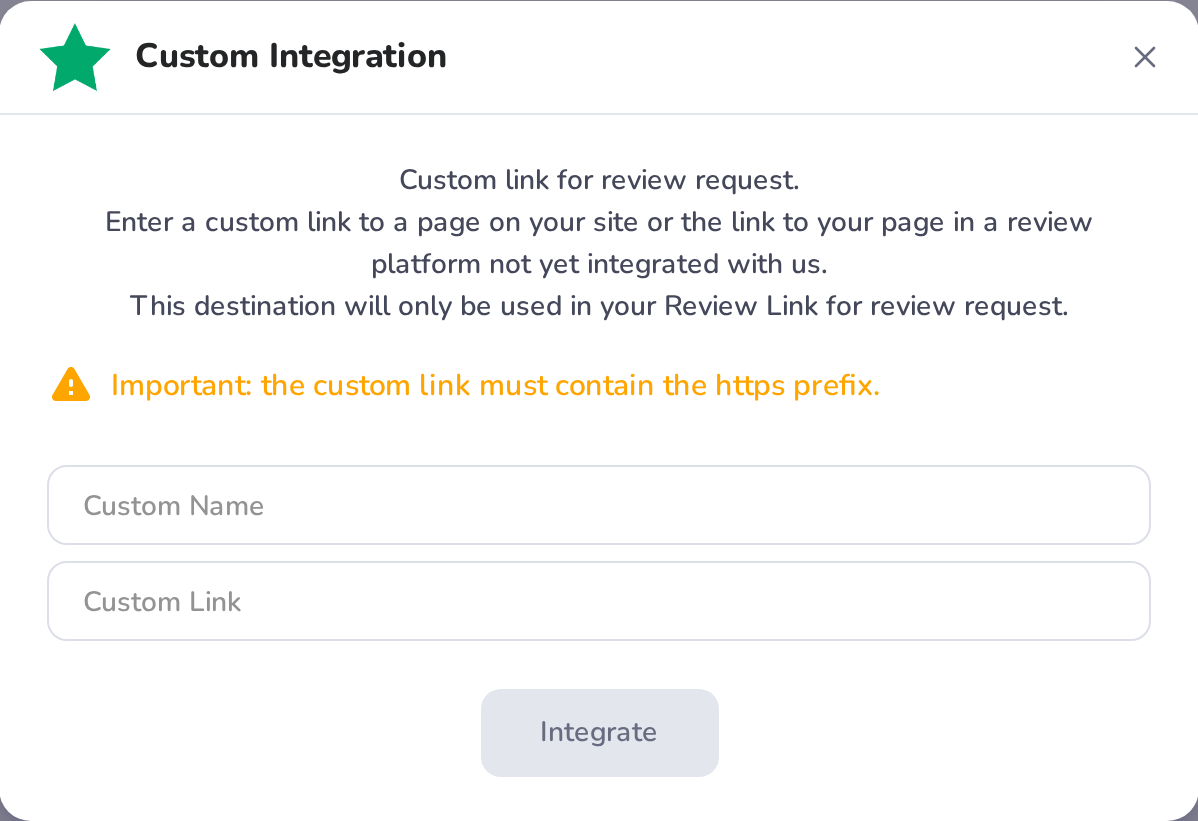
Locate the Custom Integration section.
Select 'Integrate' to begin the setup.
Enter a Custom Name: the words on the button on your review page (without one, the button says "our website").
Enter the Custom Link. It must start with https://.
Select 'Integrate' to save it.
Once added, your custom link appears on your review page. HiFiveStar does not pull reviews from it.

While custom integrations are a powerful way to expand your reach, they function differently than our native, pre-built apps:
No Auto-Population: Unlike native integrations (like Google), custom integrations do not automatically pull in historical reviews from the external site.
Review Collection Focus: This feature is primarily designed to facilitate review collection. When you share your QR code or send SMS/Email requests, the custom platform will appear as an option for your customers to leave a review.
Review Filtering: If "Ask for a rating first (star filter)" is on in Review Link, it applies here too: unhappy customers are asked for private feedback first, and when the page has at least one review site they can still choose "Leave a public review".
Integrations Explained
Maximizing Your Online Presence with HiFiveStar's Platform Integrations
