Email and Password Login
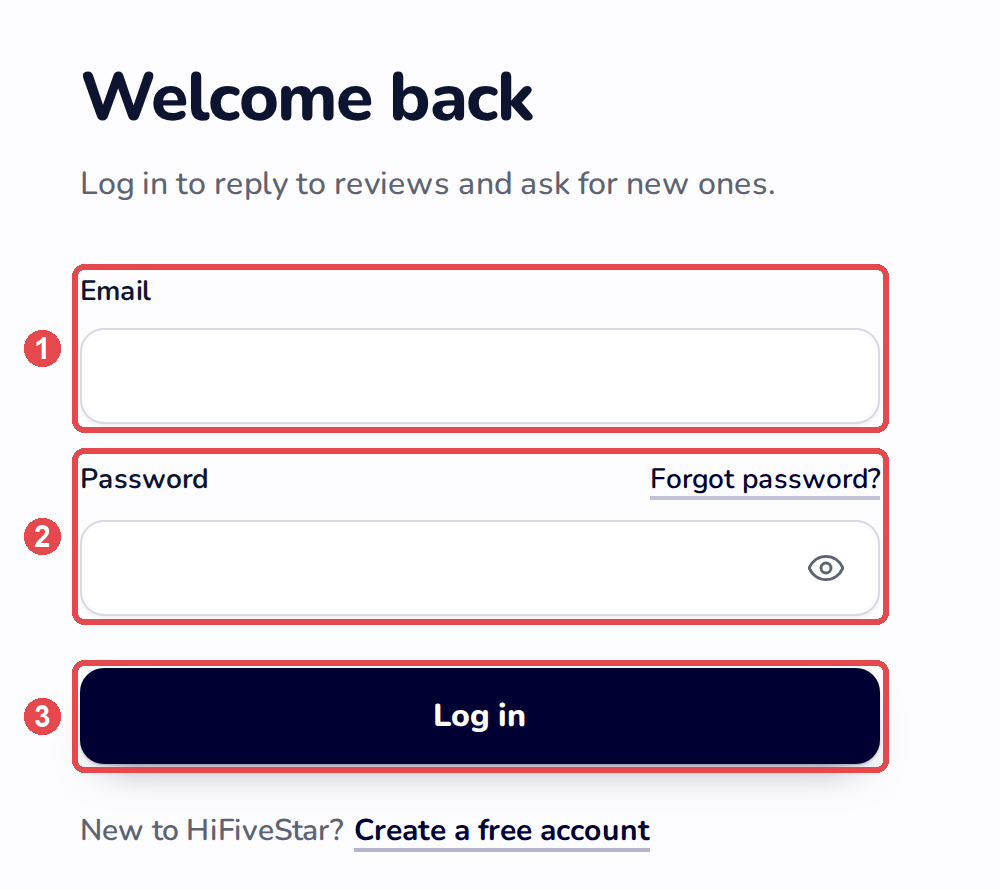
A standard login involves setting up an email address and password to log in with.
To sign in,
Visit https://app.hifivestar.com/ from any web browser
Enter your email address (used to sign up with HiFiveStar) & password
Forgotten password
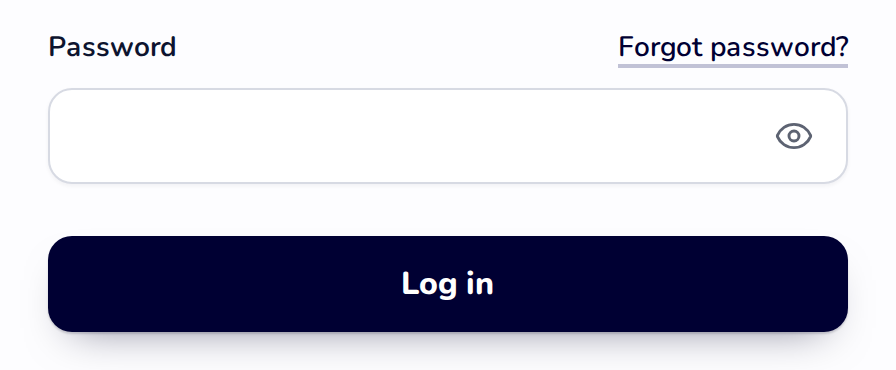
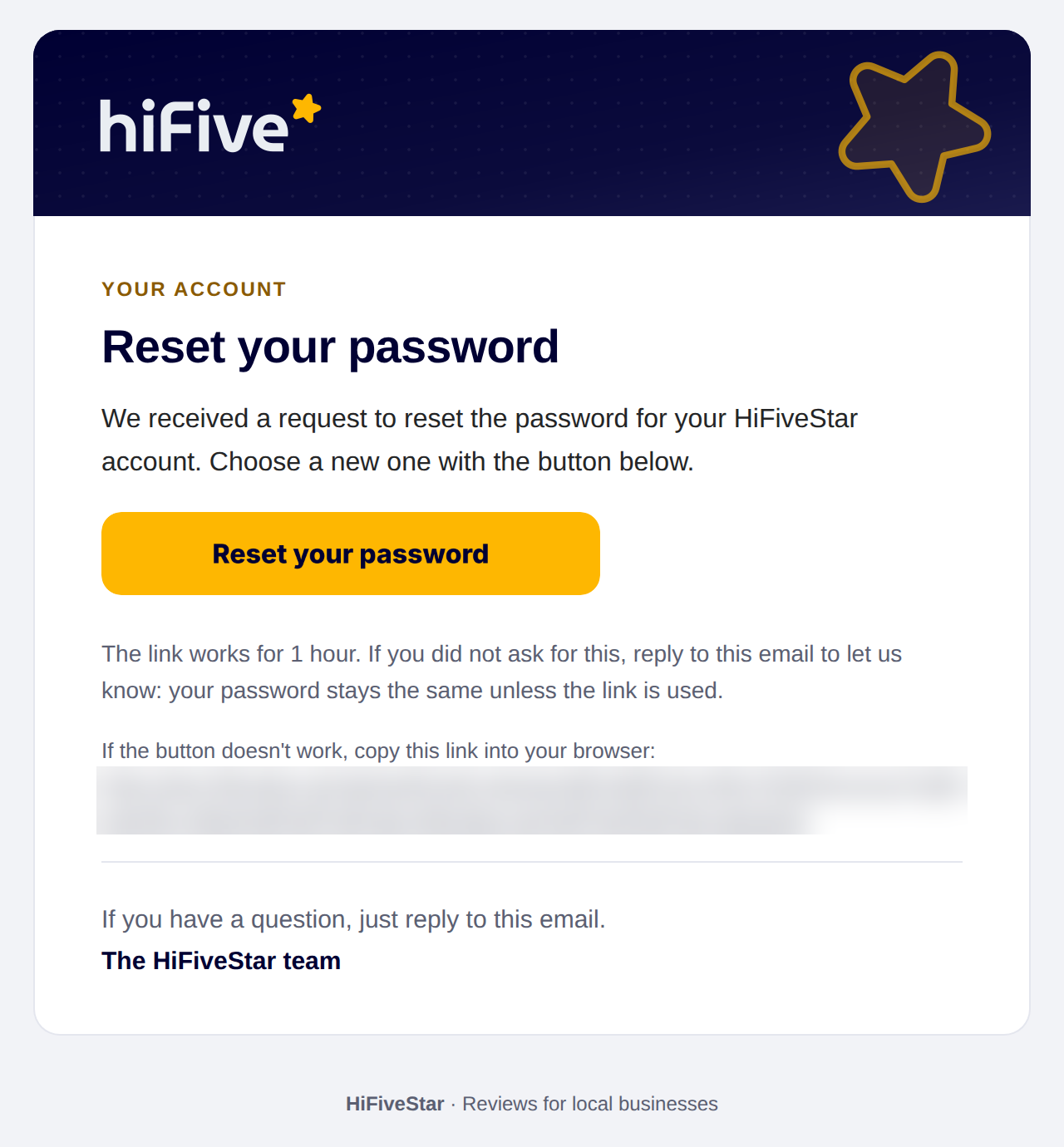
Users can forget their passwords and can get locked out of their account. In order to reset the password, you can use the "Forgot password?" link (in the classic look, "Forgot Password?") on the login screen.