The way you invite customers to share their experiences can significantly impact your response rates. A well-timed, thoughtful request not only secures more feedback but also strengthens your relationship with your clientele.
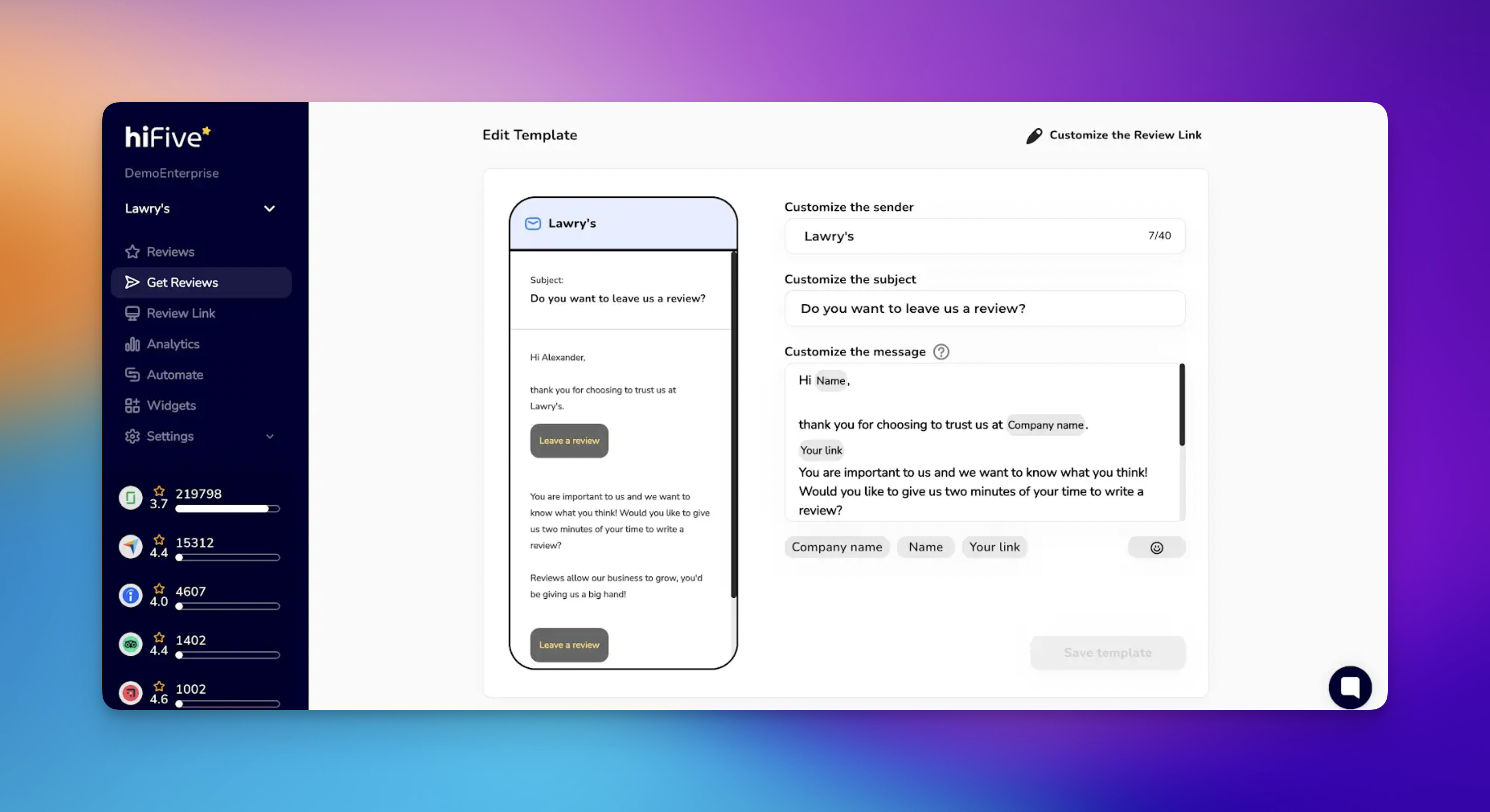
The ideal moment to ask for a review is when the value of your product or service is most fresh in the customer's mind.
Service-based businesses: Send the invitation immediately after the service is completed or within 24 hours.
Physical products: Wait until the customer has had sufficient time to receive and use the item. This typically ranges from three to seven days after delivery.
Milestones: Consider sending requests after a customer reaches a specific milestone, such as their tenth purchase or a one-year anniversary with your service.

Customers are more likely to respond to a request that respects their time. Your invitation should be brief and clearly state its purpose. Avoid long introductions. Simply explain why their feedback matters and how it helps other customers make informed decisions.

Automated messages often feel cold. While you may use templates for efficiency, incorporating personal touches can improve engagement.
Use the customer's first name.
Mention the specific product they purchased or the service they received.
Reference the specific team member who assisted them, if applicable.
Optimizing your approach ensures a professional experience for your customers. 💡
Use a Clear Call to Action (CTA): Make the "Leave a Review" button or link prominent and easy to find. 🔗
Offer Multiple Platforms: Giving customers the option to review on Google, Facebook, or your own website increases the likelihood of a response. 📱
Mobile Optimization: Ensure your invitation and the review landing page are mobile-friendly. 📲
Don't Offer Rewards for Reviews: Google does not allow any incentive (a discount, a gift or a payment) in exchange for a review, whatever the rating, and removes reviews it finds were rewarded. Ask every customer the same way, with nothing attached. ⚖
Test Your Subject Lines: Experiment with different email subject lines to see which ones yield the highest open rates. 🧪
Getting the review is only the first half of the process. Always respond to reviews (both positive and negative) to show that you value customer input. A professional response to a critical review can often turn a negative situation into a demonstration of excellent customer service.
Get Reviews Explained
How to Collect Customer Reviews via SMS, Email, and QR Code